
The week that was in the world of BIM – for the week of July 3rd, 2016 – July 9th, 2016.
I’m going to start this weeks Roundup off with a post from Shades of Grey about Project Soane renderings, very cool post!

BIM Crusader Turned AECO Tech Explorer | Speaker | AI Assisted Coder | Autodesk Expert Elite | 25+ years in AECO | Technical Success Manager at Newforma. Opinions expressed are my own unless I borrowed them. Cover photo by: Devin Henry
The week that was in the world of BIM – for the week of July 3rd, 2016 – July 9th, 2016.
I’m going to start this weeks Roundup off with a post from Shades of Grey about Project Soane renderings, very cool post!
The week that was in the world of BIM – for the week of June 26th, 2016 – July 2nd, 2016.
I’m going to start this weeks Roundup off with a question on a lot of peoples minds, what with Brexit mean for the AEC community. (BuiltWorlds)

The AU 2016 acceptance emails came out at the end of last week and I was lucky enough to receive one again this year! I was surprised, maybe even a little shocked, to read that I had been accepted for 4 sessions! Maybe I got 4 because AU classes are divided into four types: Instructional Demo, Hands-on Lab, Roundtable, and Industry Talk and I have a class for each type.
Continue reading “When does 22 = 4? Why At Autodesk University 2016 of Course”
The week that was in the world of BIM – for the week of June 19th, 2016 – June 25th, 2016.
I’m going to start this weeks Roundup off with a very interesting post about the BIM ecosystem from the Parametric Monkey.
The week that was in the world of BIM – for the week of June 12th, 2016 – June 18th, 2016.
Lets start this weeks Roundup off with some really exciting new for all “FormIteers” going to RTC North America this year, check it out in the post on the FormIt 360 Blog.
The week that was in the world of BIM – for the week of June 5th, 2016 – June 11th, 2016.
Lets start this weeks Roundup off with a new blog in the AEC/BIM podcast world, The Simply Complex Podcast by Marcello Sgambelluri.
SIMPLY COMPLEX PODCAST EPISODE 02 C# VS PYTHON FOR DYNAMOBIM (Simply Complex)
The week that was in the world of BIM – for the week of May 29th, 2016 – June 4th, 2016.
Lets start this weeks Roundup off with this cool futuristic post that`s really about the not to distance future for the construction world, check it out over at BuiltWorlds.
UPDATE: Video from this FormIt Friday now live – Link at bottom of this post
I am honoured and excited to have been asked to share some of what I talked about at AU 2015 a few weeks ago in Vegas with all the FormIteers on the last FormIt Friday of 2015.
This is going to be a recap session of what I did at AU, as well as a chance to talk about some of the class feed back. As well as getting to spend a little time to focus on some things that there just wasn’t enough time to fit in at AU.
Here are all the details from the FormIt 360 Blog.
FormIt Friday Episode 11: Friday 12/18! With Carl Storms!
Hi Everyone – We’re getting close to closing out 2015 and we want to have one more FormIt Friday to send the year off in style.
We’ve been lucky enough to make the acquaintance of power user Carl Storms. (aka the BIMsider) He led not one, but by popular demand, TWO AU sessions of his cleverly and aptly titled session: “FormIt + Revit = bye bye SketchUp’. Obviously the class resonated with many attendees and he’s agreed to share his knowledge with those who didn’t attend AU.
You can register by clicking the link below
FormIt Friday #11 – Friday Dec. 18th – 10:00 am – 11:00 am MST (12:00 pm – 1:00 pm EST)
If you are interested in seeing a full version of my AU class: “Revit + FormIt = Bye Bye SketchUp” I will be doing it one more time in January at the IMAGINiT Online BIM User Group – January 12, 2016 1:30 – 3 PM Eastern Time
Register at www.imaginit.com/events
Here is the information about what my AU class was all about:
You can download the PDF of the class Handout and PowerPoint by clicking the Dropbox link below.
Here is a link to the Video from FormIt Friday Episode 11 (from the FormIt YouTube page).
FormIt Friday Episode 11 with Carl Storms!

Twitter @theBIMsider
Facebook: theBIMsider


Update #3 – Dec. 26th
Update #2 – Dec. 19th
Another Autodesk University, or AU as we all call it is in the books, and once again it was just me and 10,000 + of my closest friends…..Oh yeah and a few friends not of this world!
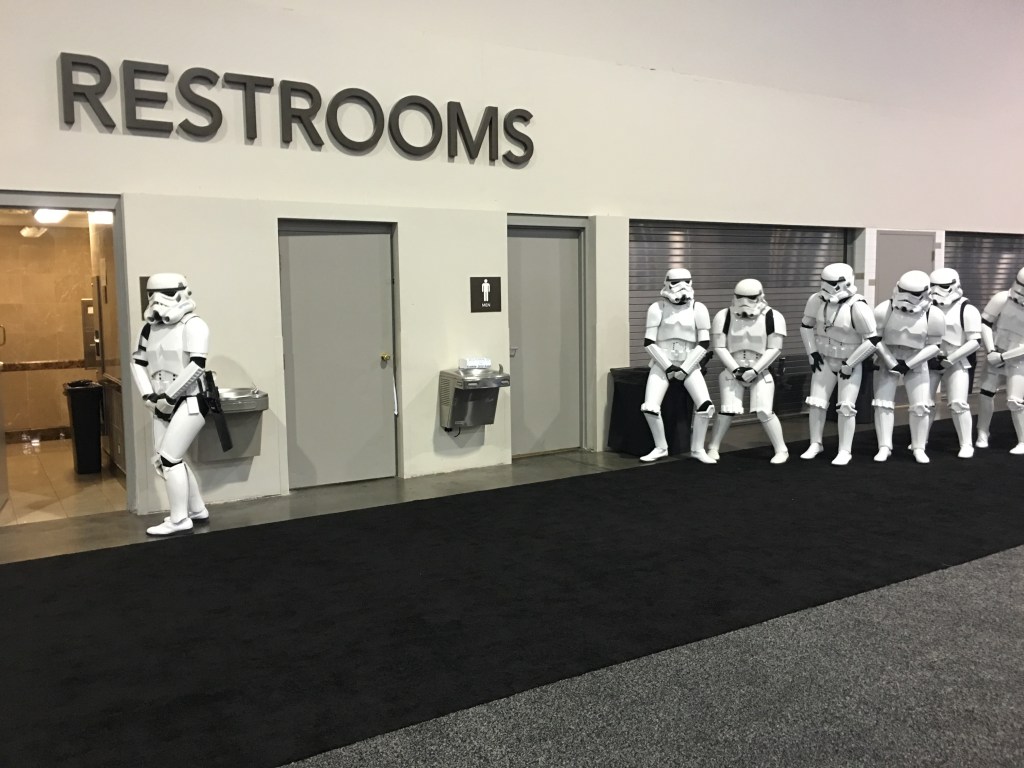
This is all of the posts I’ve rounded up on AU2015, as I find more i will add them to this post and place an Update # at the top of the post. Now enjoy all the AU2015 goodness below!
Continue reading “Weekly Roundup – Special Edition – Autodesk University 2015”
This is a re-post of a Blog I did for work, which is posted on the IMAGINiT Building Solutions Blog here.
In residential architecture, as well as other types, it is often a required part of the working drawing set to be able to show the roof overhang as a hidden line on the floor plan views. Out of the box, Revit doesn’t do this because Revit shows it as it’s built. Some may call this WYSIWYG or, what you see is what you get. Meaning that in the real world we don’t see a dashed lines on the ground so we know there is a roof above. To get Revit to do this there is a simple work around that I have outlined below.
Continue reading “How to show a roof overhang in a plan view with Revit”
Because they don't teach you this in school...
Visual Programming Enthusiasts
The intersection of interior design, technology and the future of work
3d Modeling Software's Learning
Having fun with Programming and BIM
Nat MacDonald
Everything Design Technology
Things mostly related on mathematics (especially geometry, linear algebra, trigonometry and calculus), CAD and BIM programmatic techniques.
Your road map on the BIM journey
Discovering the Autodesk BIM solutions
A collection of observations and opinions from myself and my friends around the world in relation to the Architecture, BIM, Sustainability, Technology & Learning in the AEC industry. There's no space here for 'old skool' thinking.
Infrastructure BIM & GIS
Feedback on AECbytes Articles
Just another WordPress.com site
@datashapes_io
An Architect's Approach to BIM & Learning Revit®
One man's dream to apply BIM and IOT to his smarthome
#BIMSLAP
Design, technology, and exploration in a digital age.
Jeremy Luebker
BIM/Design/Technology/Process/Help!
All about Dynamo Nodes
A meeting place of worldwide BIM managers and BIM professionals to gather information regarding BIM, BIM software, BIM classes, BIM conference, BIM standards, BIM definition, BIM consulting.
pre construction & 3d bim solutions
Data-Driven Design, Computational Design, Consulting Services
A blog on BIM for Real Estate Owners, Developpers and Facility Managers
A collection of thoughts on BIM for Structural Engineers
Do Better Things
Providing the CAD knowledge you need to succeed.
Autodesk Structural Applications
All Things BIM
AG ARQUITECTURA S.A.
Autodesk Software, Training, CAD & Building Information Modeling (BIM) Services
I talk about change in the AEC industry because it's the only thing that matters
Computer Aided Design
Design software discussion for the AEC industry
Thoughts and ideas on supporting users in a design technology world
Obsolescence is the new extinction
Building Information Modeling Online
BIM in landscape architecture [with a focus on Revit]
Geelong and Beyond
a team equipped with specialized parametric tools
Can't we all just get along?
 The BIMsider