
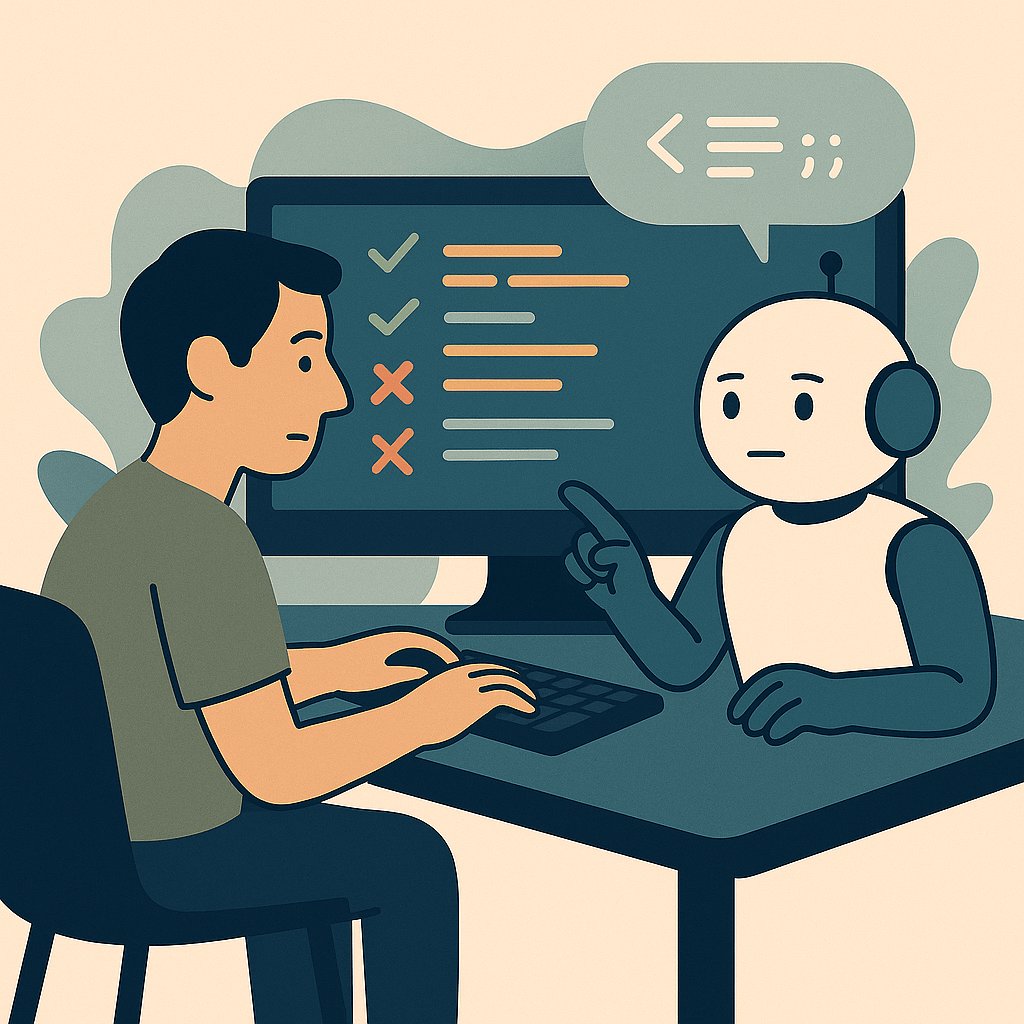
Somewhere between hype and habit
Remember when vibe coding felt like magic? The thrill of fast wins, the rush of ideas turning into working code before your coffee got cold. Then came the hangover, the bugs, the rewrites, the weird “why did it do that?” moments that made you question everything.
Welcome to The Reality.
Vibe coding isn’t about chasing magic. It’s about trusting the tool and mastering the craft.
This is where the dust settles. Where the hype cools down and what’s left is what actually works. Vibe coding isn’t a revolution anymore, it’s just part of the workflow. A tool that sits beside your IDE (that’s VS Code for me), your notebook, and your morning playlist. Not perfect, not broken, just… normal.
It’s not about what vibe coding was, it’s about what it is.
Where It Fits Now

Vibe coding has found its lane. (Spoiler, it’s not Elaine.)
It’s not meant to replace developers or automate creativity. It’s something in between, a workflow enhancer that speeds up small wins, unblocks stuck moments, and helps jumpstart ideas without getting lost in setup hell.
If all this sounds familiar, that’s because it is. We have been here before, with hackathons, visual scripting, and the waves of low-code and no-code tools that promised to speed up creation. Every few years, someone finds a new way to ask “what if we could build faster?” The difference now is that the collaborator sitting beside us is not a person, but an AI that learns as we go
Just like those earlier movements, vibe coding has evolved into a tool of its own, one that fits right alongside current ones like Dynamo, Grasshopper, pyRevit, Zapier, Make, n8n, and more. The pattern is familiar. We are turning to AI and vibe coding the same way we turned to those tools, to move faster, test ideas, and keep momentum alive.
The magic has become muscle memory.
You don’t need the spark anymore, you have built the habit. Just like with those earlier tools, the initial rush has passed. The real work starts now.
When it clicks, it is because the process finally found its balance: human intuition steering, AI assisting, both learning to stay in their lanes.
What’s Next
The next phase of vibe coding is not about faster prompts. It is about smarter partnerships.
We are starting to see models that remember context across chats within a project, understand coding style, and adapt to your tone. The tools are getting better at predicting intent, but they still need direction, your direction.
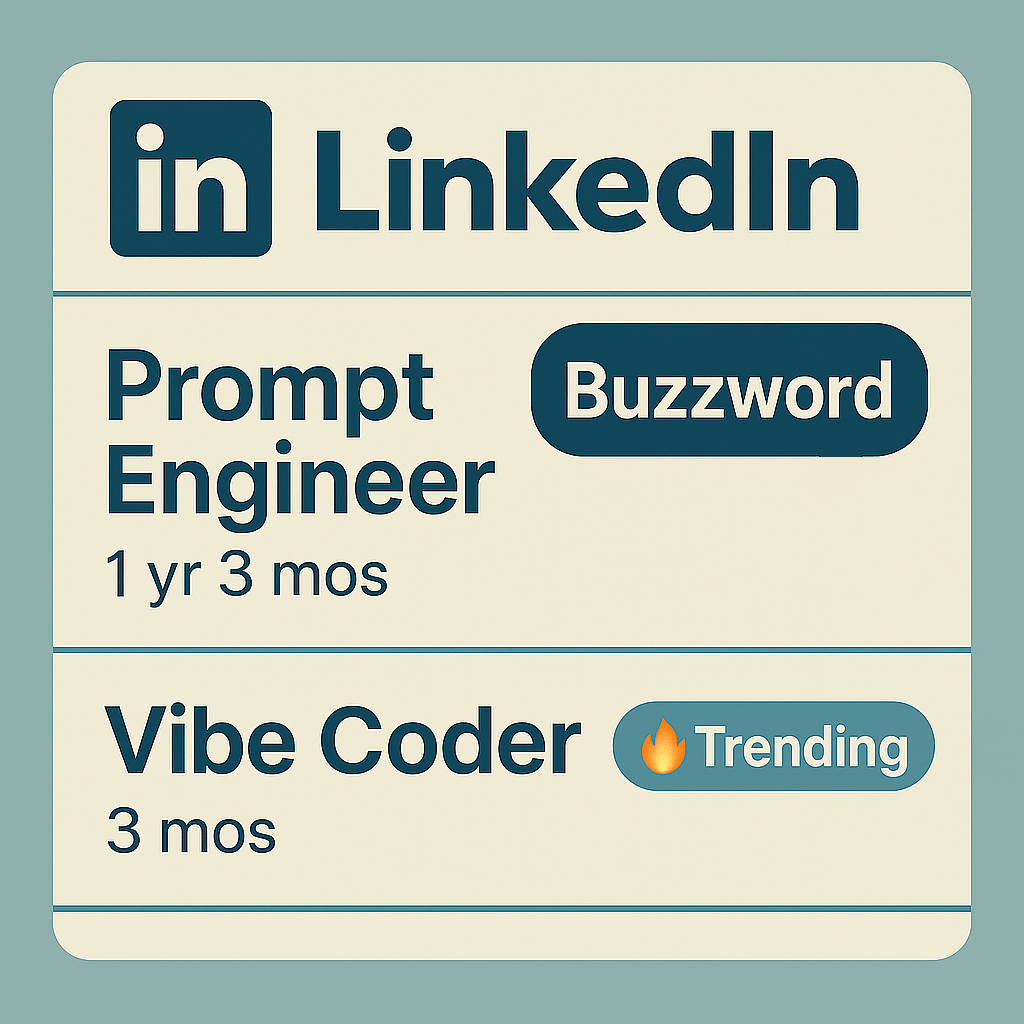
This is the new craft, not just writing code but shaping collaboration. It is less about telling the AI what to do, and more about showing it how you think. Just like “Prompt Engineer” became a buzzword on LinkedIn, “Vibe Coder” is starting to have its moment.
Tomorrow’s best developers will not be the ones who know every syntax. They will be the ones who know how to keep the flow alive when the vibe breaks. And if this approach works for software developers and coders, it can work just as well for those of us in AECO. We may not have time to become developers, but we still have time to collaborate with AI. 🤖
Tips for Real-World Vibe Coding
Vibe coding isn’t about chasing speed, it’s about learning when to slow down.
These are a few lessons I’ve learned along my own journey that help keep me grounded in the middle we call reality.
🆓 Start free, but don’t stay there.
Most platforms offer generous free tiers. Use them to explore, experiment, and find your flow, but if you’re serious about building something real, invest in the tools that fit your workflow and protect your data. Many platforms also let you turn off the “train on your data” (or something similar) option, whether free or paid, so make sure to find that setting and disable it. If you’re not sure where to start, check out the list in Part 1 of this series under “The Tools Behind the Vibe.”
🎯 Know what you want to build
Before you dive into prompts, have a clear idea of what success looks like. You don’t need to know how to get there, just what “done” feels like. The AI will help with the how, but you still own the why. This is where staying in your lane helps, focusing on building tools that fit your area of expertise at work, or that help automate and streamline what you already know. I’ve also had great success when starting out with something fun, a project you’ll actually enjoy building or one with a practical personal use case. Starting with something familiar makes it easier to understand what the AI is doing and how the pieces fit together. It’s also worth noting that while you don’t need coding experience or an understanding of syntax to get started, having some knowledge of either (or both) will make a big difference early on. It helps reduce frustration and makes it easier to tackle more complex projects as you grow.
🧭 Plan with your AI buddy.
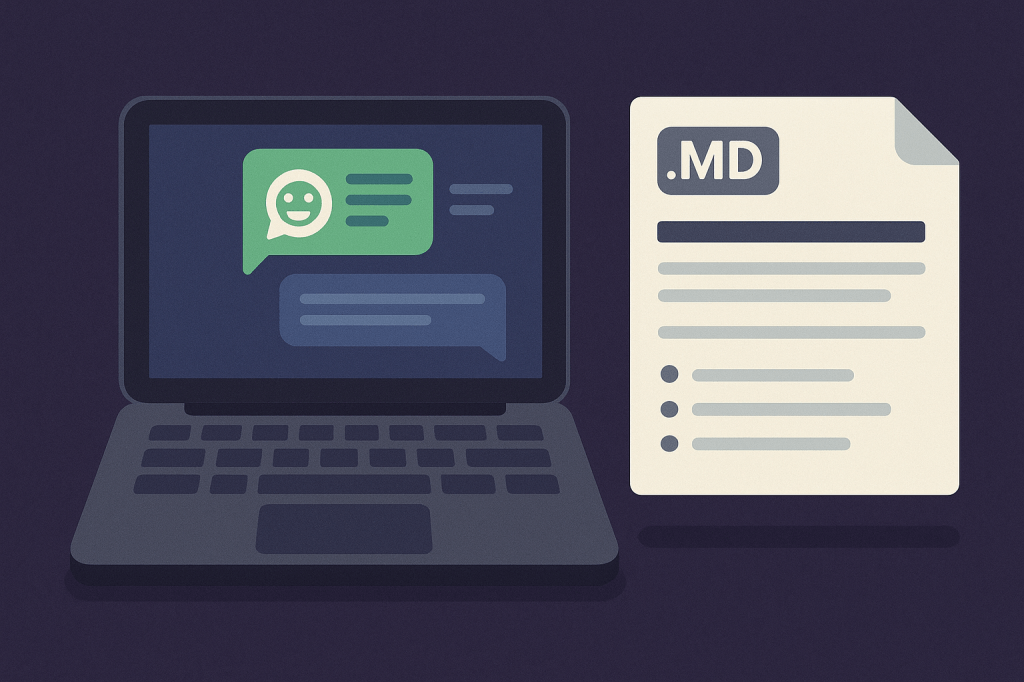
Ask your AI to create a simple development roadmap for your project. After each session, have it update the plan based on what you built or learned. You’ll be surprised how well it keeps momentum going between chats. This also helps the AI understand what you want, since it’s reading a plan written in its own language.
Bonus tip: I always ask the AI to create a downloadable version of this document as a Markdown (.md) file. It’s human-readable and happens to be one of the AI’s favorite formats for processing information. You can read more about why Markdown works so well with LLMs in this article on Medium: Why Markdown is the Best Format for LLMs.
🔁 Let your AI set you up for next time.
End each session by asking your AI to generate the prompt for the next one, along with a quick recap of what you accomplished. Use these together with the updated development plan from the last tip, and have all of them saved as downloadable Markdown (.md) files. Doing this helps the AI “think” in its own language, so when you start a new session, it can pick up right where you left off with better context and fewer repeats. It’s your current self setting up you and your AI for future success, written in a format the AI understands best (and loves to read).
📁 Use the project feature in your LLM.
If your platform supports projects or memory, use it. Keeping context in one place saves you from re-explaining everything and helps keep the vibe consistent across sessions. When I started using this in my projects with Claude, it was a game changer. Not only does it give the AI better context, but it also uses fewer tokens because it can pull information from retrieval (RAG) and its own memory cache.
Most platforms that support projects also let you add files to the project’s knowledge base, which the AI can review for context. This is where I store the three files the AI creates at the end of each session: the updated plan, the recap, and the next-session prompt. Having them available in the knowledge base lets the AI review everything before starting the next chat, making the whole process smoother and more efficient.
This approach saves money, extends your chat sessions, and makes each new session feel like a true continuation of the last. Some platforms can even search for context between chats within the same project, taking collaboration with your AI to the next level.
Here are the prompts I use to close and reopen sessions:
End-of-session prompt:
This chat is getting long, so can you create a recap of what we did in this session, update the dev roadmap to reflect what we did, and then create a prompt to start the next session (all as downloadable .md files) to continue the work on this project?
Start-of-next-session prompt:
I'm continuing to work on [project name here]. This is Session [session/chat # here] of our development work, continuing from Session [last session/chat # here]. Please review the full prompt for this current session, the updated dev roadmap, and the last session recap, all available in the project knowledge base. Please ask if I’m ready before doing any coding. You can also review the past chat for more code context if needed.
💪 Do the work.
Don’t let the AI do everything. It might feel faster, but it’s also easier to miss mistakes and not notice until later. Big, one-shot generations burn more tokens, and if the output is wrong or off-target you often have to start over. You also miss the learning.
What works for me is to give explicit instructions so the AI writes code in small, tutorial-style chunks. I assemble the pieces locally in VS Code, test as I go, and only move forward when it works. This keeps token use down, improves accuracy, and builds real understanding. Knowing the reasoning behind each change turns quick results into better results and new skills.
My instruction to the AI:
I will have the base code open in VS Code. Write changes step by step in a beginner-friendly way. Show the first and last few lines of the code being replaced so I can locate it, then provide the new code. Use modern, efficient, well-commented code that a beginner could update in 6 days, 6 months, or 6 years.
💬 Write modern, efficient, and human-readable code.
Remind your AI to produce clean, well-commented code that anyone (including future you) can understand. Readability is part of reality.
Yes, we just talked about this in the last tip, but it deserves its own space. Writing clear, modern code is not just about style; it is about long-term usability. It helps when you return to a project months later, when someone else needs to review your work, or when you want to reuse part of it for something new. Good comments and readable structure make your code easier to debug, maintain, and improve. That is the real secret to keeping the vibe alive.
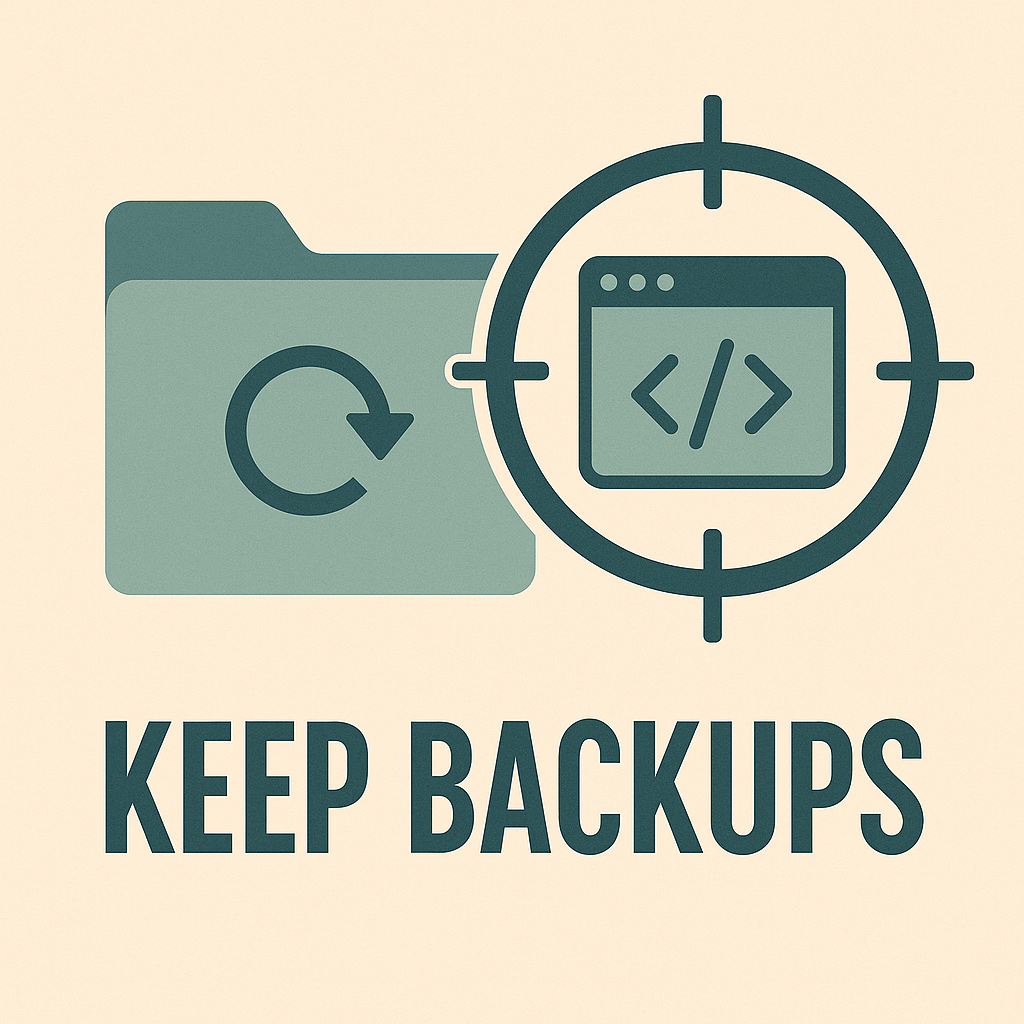
💾 Keep backups
Sometimes you’ll need to roll back your code, and having access to previous versions can be a real time saver while keeping frustration to a minimum. Whether that backup is stored on a local drive, in a repo like GitHub, or wherever you keep your projects, the important thing is to have one. Many AI tools now even connect directly to GitHub, which makes version control easier than ever. If you’re new to GitHub (or Git, the software behind it), don’t stress about mastering it right away. It’s a great skill to learn later, especially as your projects grow in size and complexity. Until then, keep it simple. Get in the habit of saving a copy of your code at the end of each session or chat. It only takes a few seconds and can save you hours of frustration down the road.
📲 Know when to call it a chat.
Sometimes a conversation goes off the rails, gets too tangled, or just becomes too long to get good replies. You know the ones, the endless loops of the same answer over and over. Do not force it. If you get stuck in one of those loops, if the replies start drifting, or if you are just not getting the answers you expect, do not be afraid to start a new chat.
Starting fresh does not mean starting over. Bring what you learned, what worked, and even what did not work into your next prompt. That context helps the AI avoid repeating mistakes and gives you a better outcome the second time around. A clean chat often leads to clearer thinking and better results, so it is a win win in the long run.
🌐 Share what you can.
Post your projects, snippets, and lessons learned. Sharing is caring, and it is one of the fastest ways for the whole community to level up. Of course, you cannot share everything, especially when it comes to internal or client work, but even then, the ideas behind those projects can often be shared more generally at an industry conference or meetup.
I have been able to create eight projects that I have shared as open-source apps and tools. five are fun personal projects, and three were built for the BIM community:
- Digital Dossier – A digital place to store a resume, and my first vibe coding project
- Par-Tracker 42 – The ultimate answer to your golf score tracking needs. (blog here)
- BribeYourselfFit – A gamified fitness tracker that rewards healthy habits
- BCFSleuth – An open-source BCF analysis and viewing tool (blog here)
- DynaFetch – A modern REST API integration for Dynamo 3.0 (blog here)
- Just the Fields – A lightweight JSON viewer that helps you focus on just the fields that matter. (blog here)
- CRSWRD – Lightweight, browser-based crossword generator and solver.
- Sumwords – A constraint-based math puzzle game that combines trivia knowledge with equation solving.

Sharing these projects has been a great way to give back, learn from others, and keep the vibe going long after the code is written. And don’t forget, giving credit is part of sharing too. Let people know when you use AI. Let’s normalize working with your AI bestie.
🌊 Use what works for you. Find your flow..
Everyone vibes differently. Some people prompt in long paragraphs, others in quick bullet lists. There is no single right way to code with AI, only the way that keeps you learning, building, and curious enough to come back for more.
And that’s how the vibe turns into a habit.
I am by no means an “expert” in AI or vibe coding, but I have had a lot of fun and some real success along the way. So far, I’ve built 13 projects, and there are definitely more to come. Some took fewer than ten sessions or chats, most landed in the thirty to fifty range, and one came just shy of one hundred. Each of those sessions can take forty-five to fifty prompts and run two to four hours. So these “fast” vibe-coded apps are not always that fast, at least not if you want good, reliable results.
Along the way, I have learned that the real reward is not just in what you build, but in how you build it. These projects have been a mix of personal, practical, and fun, from tools for the AECO community to internal helpers at the office, and something to track my horrible golf scores. These tips have served me well on this vibe coding journey, and hopefully they help you find your own flow as the vibes keep going.
Further Reading & Reality Checks
If you want to explore how others are making sense of the same shift, check out The Vibe Coder’s Guide to Real Coding from Technically.dev. Not to spoil the fun (the full post is absolutely worth the read), but here is the TL;DR version:
- All about servers and the cloud: where your app is running (or needs to run)
- A basic primer on backends, the foundation of your app and data
- Version control and making safe changes to your app
- Monitoring and observability: making sure your app is working
- Security 101
The rest of that three-part series is good too: How Vercel became the f̶r̶o̶n̶t̶e̶n̶d̶ AI cloud and How to build AI products that are actually good
These posts offer a solid outside perspective on the more technical side of vibe coding. Yes, they lean a little heavy on Vercel content, but that makes sense since they were released alongside this year’s Vercel Ship AI conference.
A couple more helpful posts from the “outside world,” this one from Smarter with AI. While it’s not directly about Vibe Coding, it’s definitely related and could be used for it: MonDive #24: Google’s AI Studio — more than ChatGPT Plus, and free.
And this one from Scott Young – Is Vibe Coding the Future of Skilled Work?
Want to go beyond vibe coding but still want a hand from AI? Check out this great approach from Brad Traversy at Traversy Media. He also has an excellent JavaScript class if you’re looking to level up.
And for a quick reality check on what happens when AI agents get a little too good at taking the wheel, this TikTok or Reel captures both the excitement and the unease of vibe coding in 2025. Also, tidv.io is a great follow if you enjoy SaaS and product-code humor mixed with real tech knowledge and the latest technology trends.
And The Verdict Is…
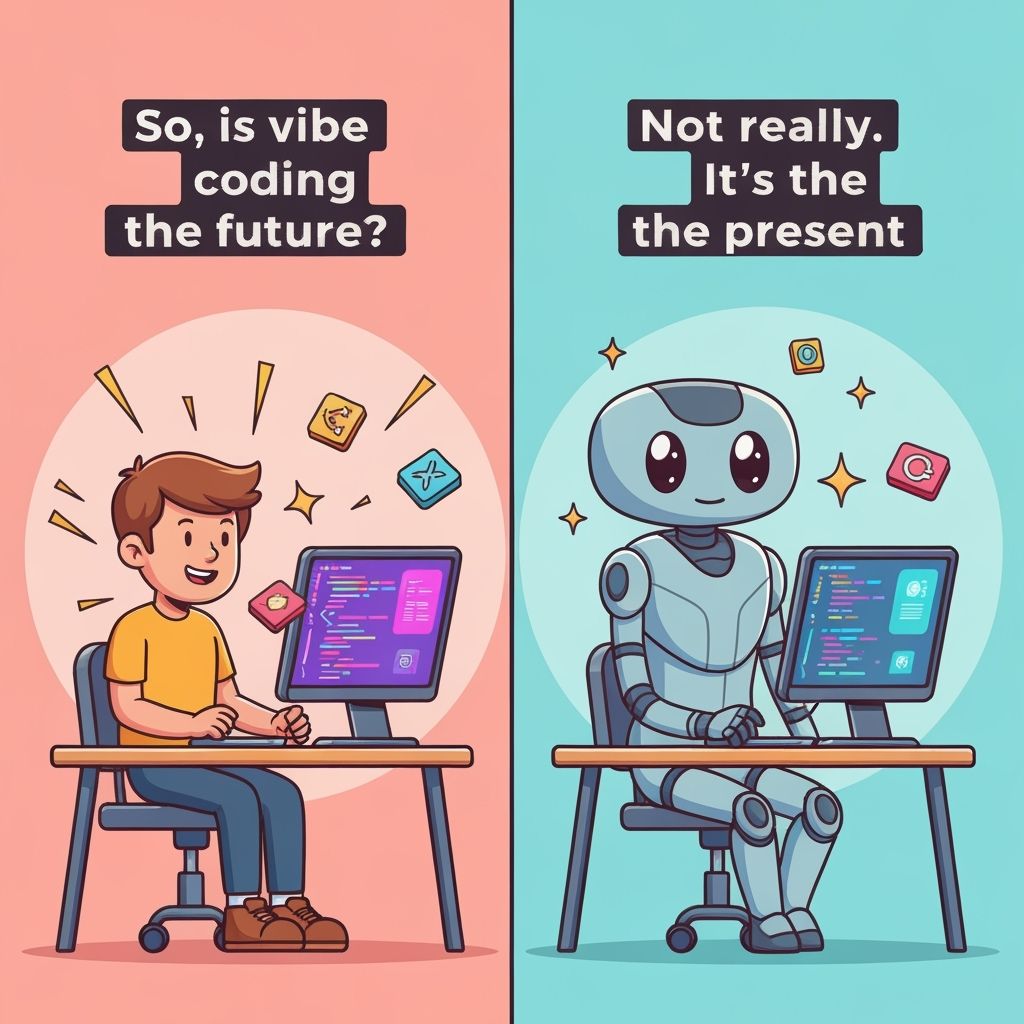
So, is vibe coding the future?
Not really. It’s the present.
The fun part is still there. The speed still matters. The creativity still hits when you least expect it. But now it sits beside structure, practice, and a little healthy skepticism.
The reality is that vibe coding is a tool, one that rewards curiosity but punishes carelessness. It is powerful, but only when paired with discipline.
You don’t have to pick a side. Just keep coding with curiosity.
That’s the real vibe.

(And yes, this post was vibe coded too. At this point my AI and I have settled into a rhythm, part co-writer, part editor, part partner in crime. Sometimes I lead, sometimes it does, but the reality is we work best when we build together.)
Until next time, keep the vibes going, because the reality is pretty good.

All the Links: bio.link/thebimsider

 The BIMsider
3 thoughts on “Vibe Coding: The Reality”