Rebuilding The BIMsider Website with Claude Code.
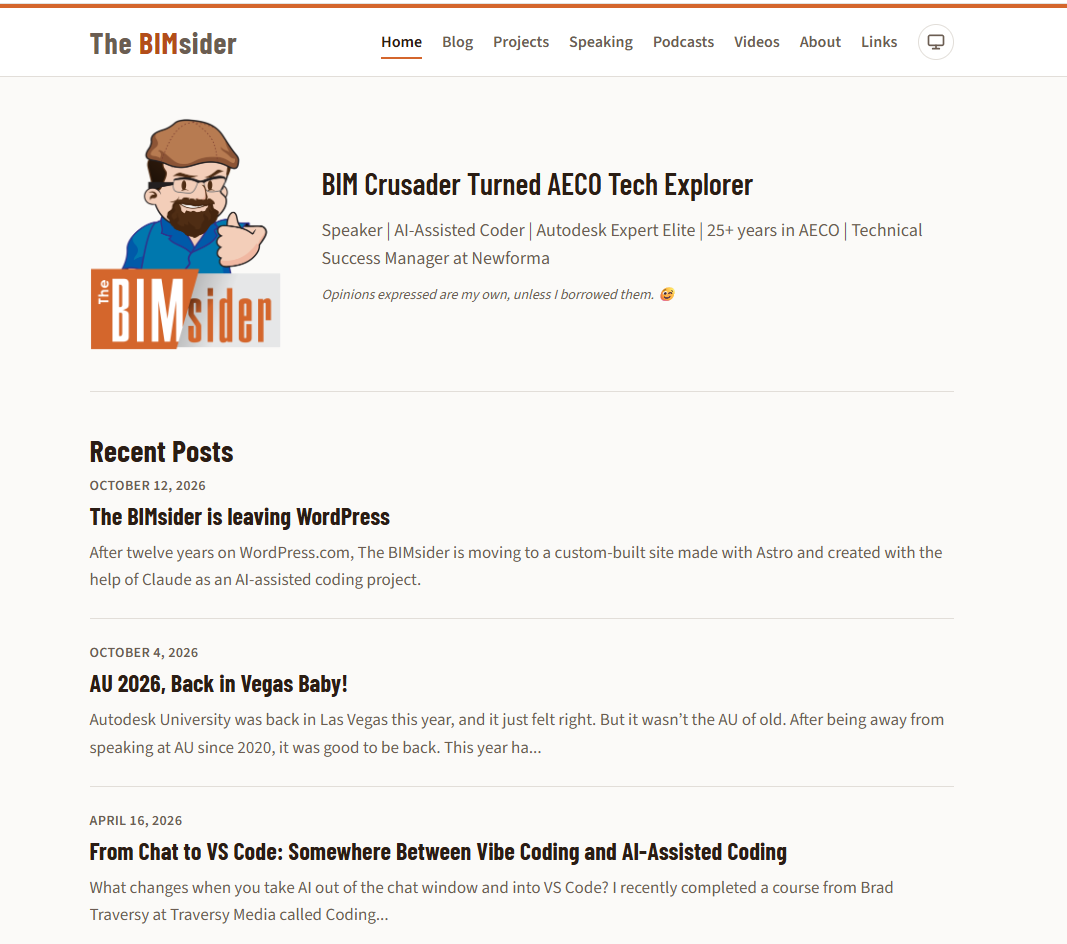
The BIMsider Website 2.0
After what seems like forever on WordPress, The BIMsider has a new home. This time, I didn’t just change platforms. I used my AI bestie (Claude) to help rebuild the website, from migrating years of content to creating a new way to manage it. Here’s a look at what went into the project and what I learned along the way.
From WordPress to Something Different
After 12 years, it was time for a change.
The BIMsider had been running on WordPress.com for over a decade, and while it had served me well, things had started to change. My experience was that the site was getting slower, customization was becoming more limited, and the costs kept going up. I was ready for something different.
I’d already been looking at Astro and had been planning to rebuild the site as far back as January. This wasn’t my first go at building something with AI, but rebuilding The BIMsider was a different kind of challenge.
Rather than starting from scratch with a new idea, I was taking a website with 12 years of history and rebuilding it with a different set of tools. Astro looked like a good fit, and with my WordPress subscription coming due before the end of the year, it seemed like the right time to take the leap!

Rebuilding More Than a Website
Creating a new website is one thing. Recreating a website that’s been around for 12 years is something else entirely.
The BIMsider had accumulated a lot of history over the years. There were blog posts, images, speaking engagements, podcast appearances, videos, and links to all sorts of places around the web. I didn’t want to simply start fresh and leave all that behind. There was plenty worth keeping, even if it needed a little housekeeping.
That housekeeping turned out to be an important part of the project. The Weekly and Podcast Roundups, for example, served their purpose at the time, but they were snapshots of a particular moment. Many of the links were no longer working, and plenty of the sites they pointed to no longer existed.
I also retired the lists of AECO podcasts, YouTube channels, and user groups. Back in the day, blog rolls and lists of industry sites were a common way to connect people across the community. You linked to others, they linked back, and it was a great way to help people discover what others were doing. The ways we share and discover content have changed, and maintaining static lists was becoming less useful. Rather than carry them forward just for the sake of it, I decided it was time to let them go.
Other content stayed, but got a fresh approach. My speaking history is a good example. Rather than one long list of engagements, the new site gives each talk its own entry, with details about the event and links to presentation materials or videos where available. Visitors can filter by year or event, search for specific talks, and sort the results. It makes a long history of speaking engagements much easier to navigate.
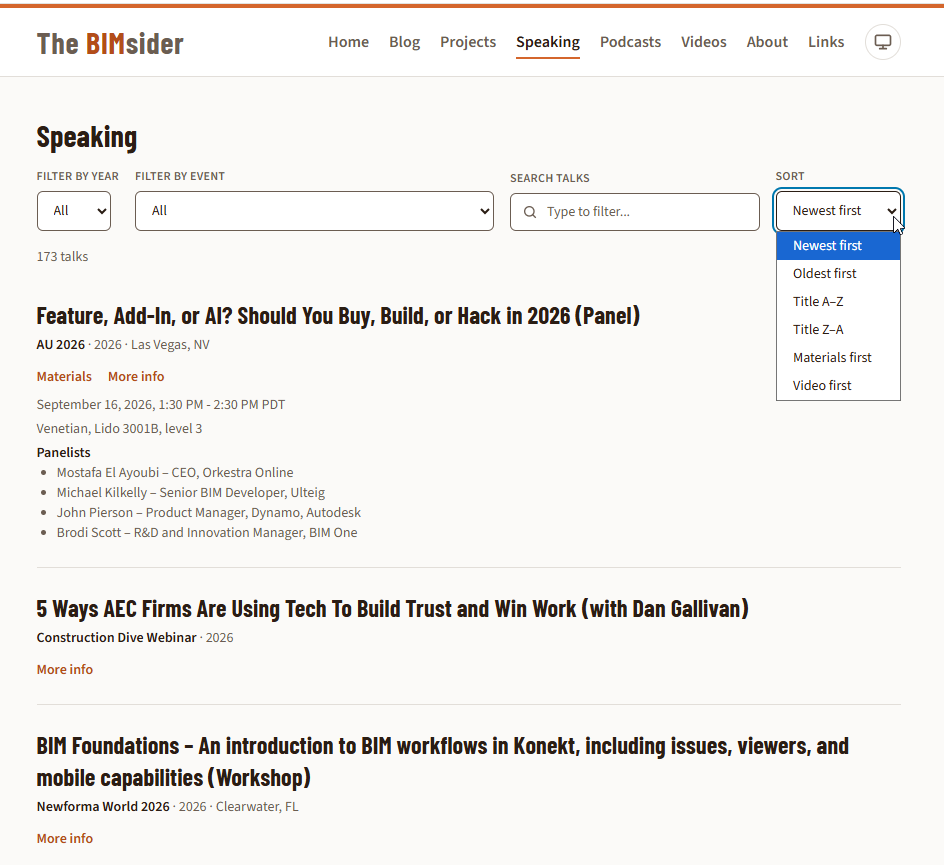
New sorting, filtering, and search options on the speaking page of the new site.
Then there was the actual migration. Posts had to be converted, images moved, and old URLs accounted for. I also had plenty of links to external websites and presentation materials stored in Dropbox that I wanted to preserve. There’s not much point in keeping 12 years of content if the links people have bookmarked or shared suddenly lead nowhere.
The design needed attention, too. The old WordPress site had been using the same theme and colours since day one. The subscription options I had were pretty restrictive. I couldn’t add custom CSS, and even embedding content was limited to supported sites. There wasn’t much room to make the site my own, and after 12 years, it was starting to look its age.
I wanted something cleaner and more modern, without losing the identity people associated with The BIMsider. This was a chance to refresh the look, rethink how content was organized, and finally have the freedom to build the site the way I wanted.
One final requirement was just as important: I didn’t want to replace WordPress with a website that required me to change code every time I wanted to publish a post or update a speaking engagement. I still needed a practical way to manage the content myself.
So this wasn’t simply a case of asking Claude to make me a new website. We had to work through what to keep, what to retire, what to reorganize, and how to make the result useful for the next chapter of The BIMsider.
The Tools Behind the Rebuild
The main tool behind this project was Claude Code, working inside VS Code. If you’re not familiar with VS Code, it’s a code editor with tools to help you build and manage projects, while Claude Code is the AI tool that helped me build the website, work through problems, and make changes along the way. Rather than just asking a chatbot for snippets of code to copy and paste, I could work with Claude directly in the project, where it could see the existing files and help make changes in context.
For this project, I used Claude Sonnet 5.5 at Medium effort in Claude Code throughout, from planning to testing. Sonnet 5.5 is also my daily driver, and I find it much more efficient than 5.0. For me, it delivers more bang for my buck. For more complex projects, I’d consider using Opus 5.5 for the planning stages, where getting the approach right can make a big difference. And if a project calls for multiple agents working on different tasks, Haiku 5.5 is worth considering for that kind of work.
The website itself is built with Astro. I’d already been looking at Astro before, as it seemed to be the “cool new thing” at the end of 2025. It felt like everyone on my feed and YouTube was talking about it. Astro generates static pages rather than relying on a database and a traditional website platform to assemble each page when someone visits. The result is a lightweight website, with features such as search, filters, and sorting added where needed.
But there was one catch. I didn’t want to trade WordPress for a website where every little content update meant opening a code editor. That’s where Decap CMS came in.
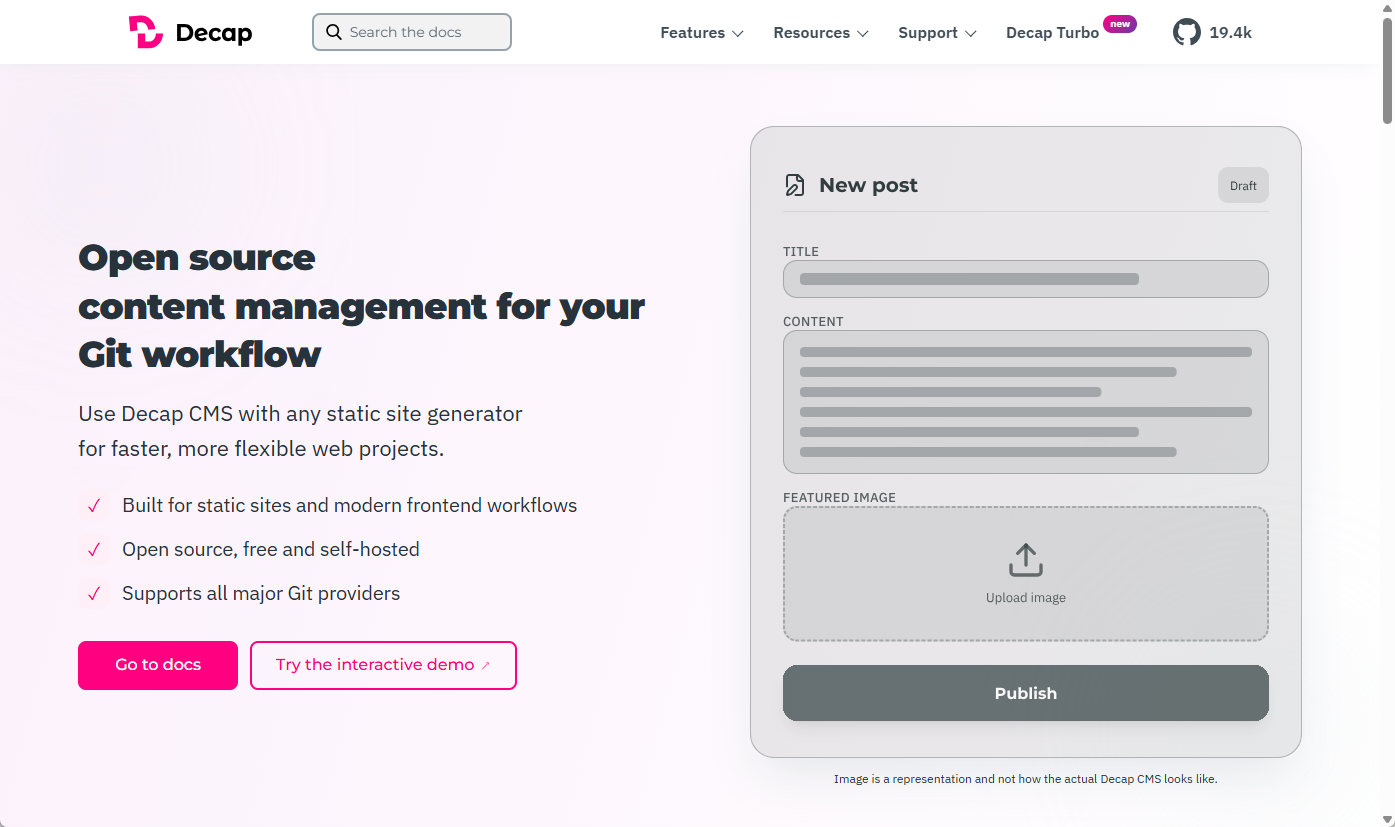
Decap CMS, a great open-source tool.
Decap CMS is a free, open-source content management system that gives me a browser-based editor for the new site. I can log in, create a blog post, update a speaking entry, add images and links, or edit other content without writing code. Behind the scenes, the content is stored as Markdown files in GitHub, and when I save an update in Decap, those files are committed to the repository. It gives me the convenience of a content editor without needing the traditional WordPress setup.
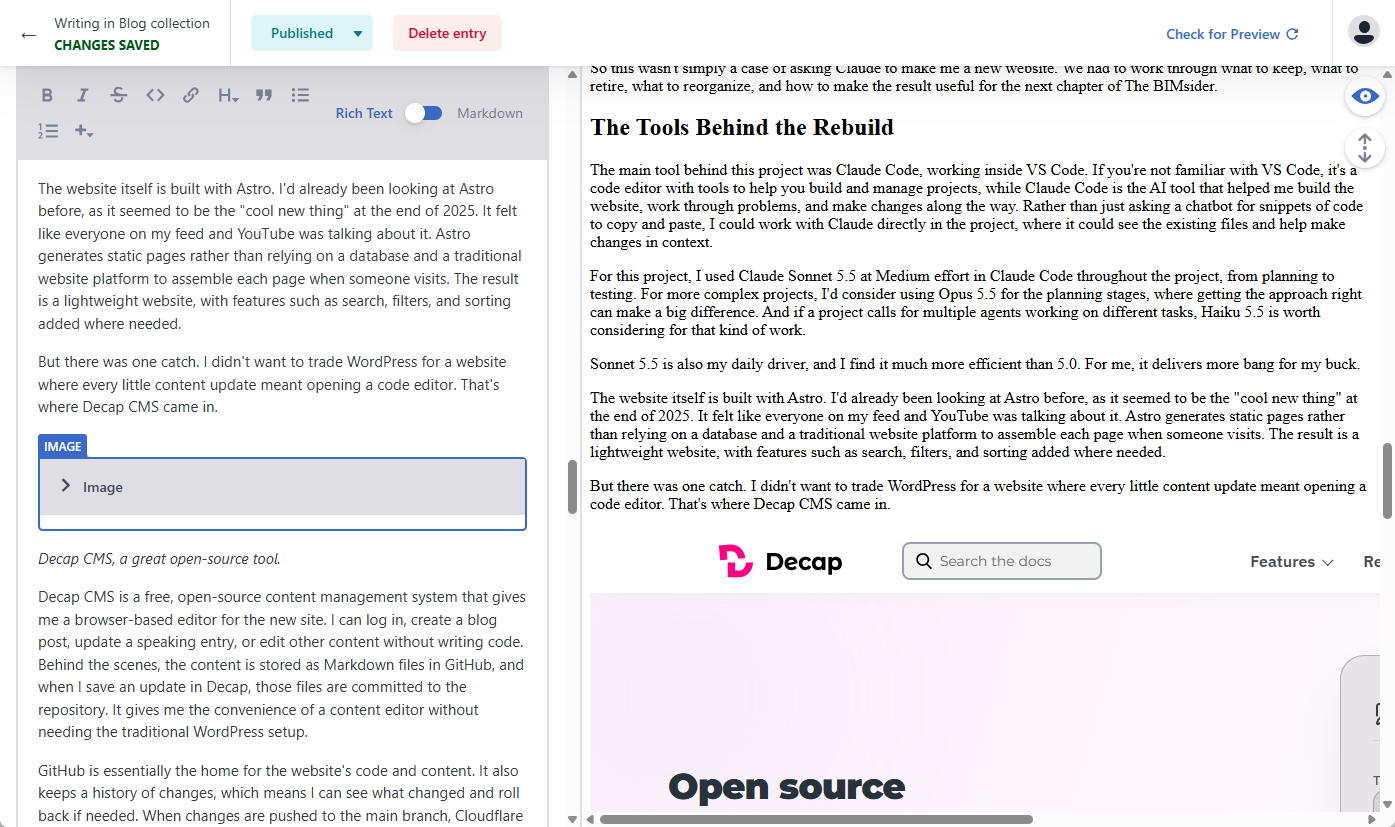
Decap in action, building this post. How’s that for breaking the fourth wall? 😎
GitHub is essentially the home for the website’s code and content. It also keeps a history of changes, which means I can see what changed and roll back if needed. When changes are pushed to the main branch, Cloudflare automatically builds and publishes the site, which it also hosts. A separate Cloudflare Worker handles authentication for the CMS.
I also kept Dropbox in the picture, at least for now. My speaking presentations and other materials were already hosted there, so there was no immediate need to move everything during the rebuild. I added a redirect layer for downloads, which means the website can use the same links even if I change where a file is stored later.
Next up is moving those speaking slides and handouts from Dropbox to Cloudflare R2. R2 stores files for $0.015 per GB per month, with the first 10 GB free and no charges for downloads. With only a few GB of files, the cost should be close to $0 per month. Best of all, my existing /downloads/ links won’t change, so I won’t have to update links across the website when the files move.
I also needed a way to keep an eye on how the new site was doing. Cloudflare Web Analytics gives me views, visits, and top pages without using cookies. I’ve also set up Google Search Console to monitor search visibility and see which old URLs Google still has indexed. Cloudflare’s 404 metrics help me catch any old WordPress links that slipped through the redirects, which I’m checking over the first couple of weeks after launch.
Before switching over, I saved a baseline of my WordPress.com stats so I have something to compare against. The new setup doesn’t offer the same level of detail, and my old stats history doesn’t carry over, but it gives me enough information to see what people are reading without adding unnecessary tracking.
I also left behind email notifications when a new blog post went live. The old subscriber list included what appeared to be quite a few bots, so the number of subscribers didn’t necessarily reflect the number of actual readers. With new posts already being shared on social media and RSS available for those who prefer it, I haven’t set up a replacement. It’s something I may revisit in the future, but for now, I’m happy with the options available.
Each tool has its own job, but the important part is how they work together. I get a custom-built website, a browser-based editor for everyday updates, a history of changes, and a publishing process that runs automatically when the code or content changes. That’s a lot more control than I had before, without having to turn every new blog post into a coding exercise.
The Tech Stack at a Glance
- Claude Code + VS Code: AI-assisted coding and development. Claude Code uses an existing Pro plan; VS Code is free.
- Astro: Generates the static website. Free and open source.
- TypeScript: Adds type checking to help catch errors. Free and open source.
- Decap CMS: Browser-based content editor. Free and open source.
- GitHub: Stores the code and content in a private repository and tracks changes. Free tier.
- Cloudflare Workers: Hosts the website and handles publishing, with a separate Worker managing CMS authentication. Free tier.
- Tailwind CSS: Handles the website’s styling. Free and open source.
- Cloudflare Web Analytics + Google Search Console: Track site traffic, popular pages, and search visibility. Free to use.
- Dropbox: Currently stores speaking presentations and downloadable materials. Existing paid account, planned to be replaced by Cloudflare R2.
- GoDaddy: Domain registration. Existing paid account.
- Cloudflare R2 (planned): Will replace Dropbox for speaking slides and handouts. The first 10 GB of storage is free, with no download charges. Expected to cost close to $0 per month for my needs.
AI Isn’t Magic: The Process Matters
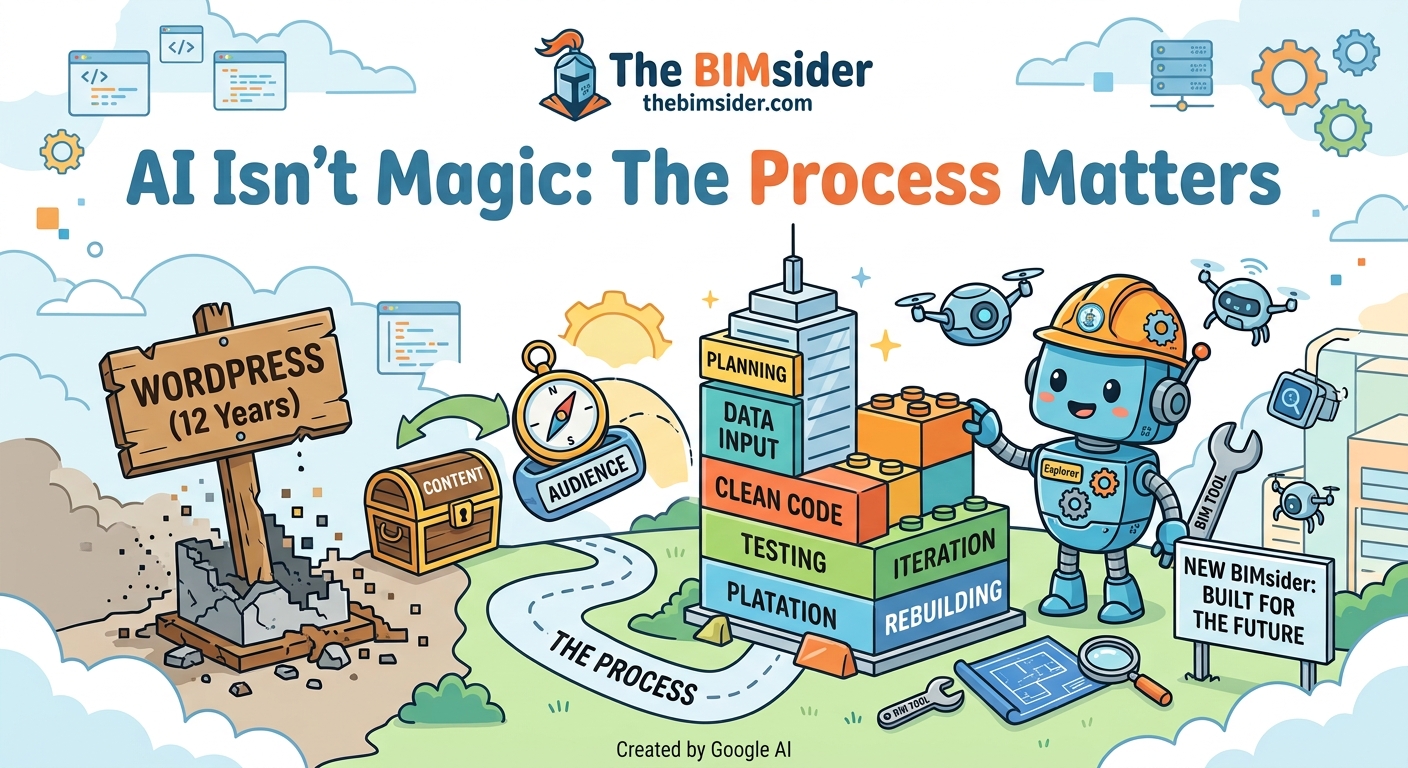
AI Isn’t Magic: The Process Matters, Image Courtesy of Google AI (Imagen 3)
I didn’t start by asking Claude Code to build me a website. I started with an ideation session, talking through what I wanted to achieve and exploring the options for how to get there. That’s actually how I learned about Decap CMS, which became an important part of the finished site.
From there, we planned the build. Stage 0 was all preparation: gathering the existing content, images, speaking materials, links, and other source information, while getting the accounts and access needed for the project in place. Only then did we move into the 12 stages of the actual build.
Each stage was broken down into smaller feature specifications that we tackled one at a time. Across the project, we’ve completed 23 of these parts, with three more planned for Stage 13, which will cover moving my speaking materials to Cloudflare R2.
This is the workflow I’ve used on AI-assisted projects since taking a course on Claude Code. It’s become a regular part of my work at Newforma, too. If you’d like more detail on the workflow itself, I’ve covered that in my other post on Claude Code.
One thing worth pointing out is that reviewing the work didn’t mean I was checking every line of code. I understand the concepts behind HTML, CSS, and JavaScript, but I’m not sitting there checking syntax. Instead, I reviewed the changes, checked how things looked and behaved, and made sure the results matched what I wanted. I also kept Claude Code in Manual mode, where it asks for approval before making each edit, rather than letting it make changes automatically. That kept me involved in the process and gave me a chance to review what was happening along the way.
And the plan wasn’t set in stone. As the build progressed, we sometimes uncovered things we hadn’t considered at the start. We’d reassess the approach, adjust the plan, and keep moving. When issues came up, we worked through them rather than assuming the first attempt would always be the right one.
In many ways, I was the project manager and the ideas guy, while Claude Code was my project engineer, helping turn those ideas into reality. I was setting the direction, making the decisions, and checking along the way that what we were building was actually what I had in mind and was part of the project plan. Much like any project, having the right people and tools helps, but you still need someone keeping the bigger picture in view and making sure everything comes together as intended.
More Control, and a New Home for The BIMsider
So, after all the planning, building, testing, and a few fixes along the way, The BIMsider has a new home. I have more control over the website, lower hosting costs, and a site that I can continue to change and improve without being tied to WordPress and its plugins.
One of the little extras I hadn’t really thought about when starting this project was the new Links page. I used to rely on a free bio links service to give people one place to find all my online profiles and content. Now I have my own version built right into The BIMsider. I can control what goes on the page, and the traffic counts toward my own website analytics. It’s a small win, but a nice one!
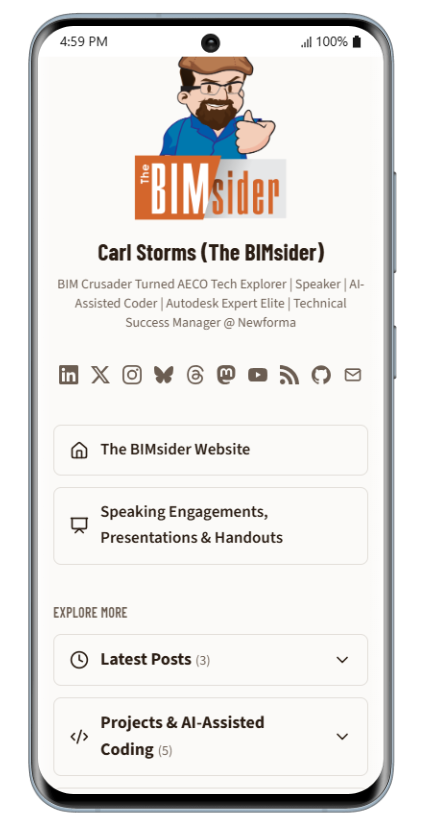
How the New Links Page Looks on Mobile
This was another fun AI-assisted project that had a practical purpose and a result I can use every day. The website still has its history and familiar identity, but now I have much more freedom to decide where it goes next.
WordPress served me well for around 12 years, but having control over my own little corner of the internet feels pretty good.
WordPress was good, total control is better. 😉


All the Links: thebimsider.com/links